
Demystifying Packaging Volume Reporting in LUCID: A Complete Guide for Sellers
If your business ships physical products to private consumers in Germany, you have likely crossed paths with the Verpackungsgesetz (VerpackG)—Germany's Packaging Act. At the heart of this legislation is the LUCID Packaging Register, a centralized database where businesses must register and report the packaging they introduce into the German market.
Registering for your LUCID number is just the first step. To stay compliant and avoid hefty fines, you must continuously fulfill your data reporting obligations.
Here is everything you need to know about packaging volume reporting in the LUCID system, how to do it correctly, and the common traps you should avoid.
The Golden Rule: Dual Reporting
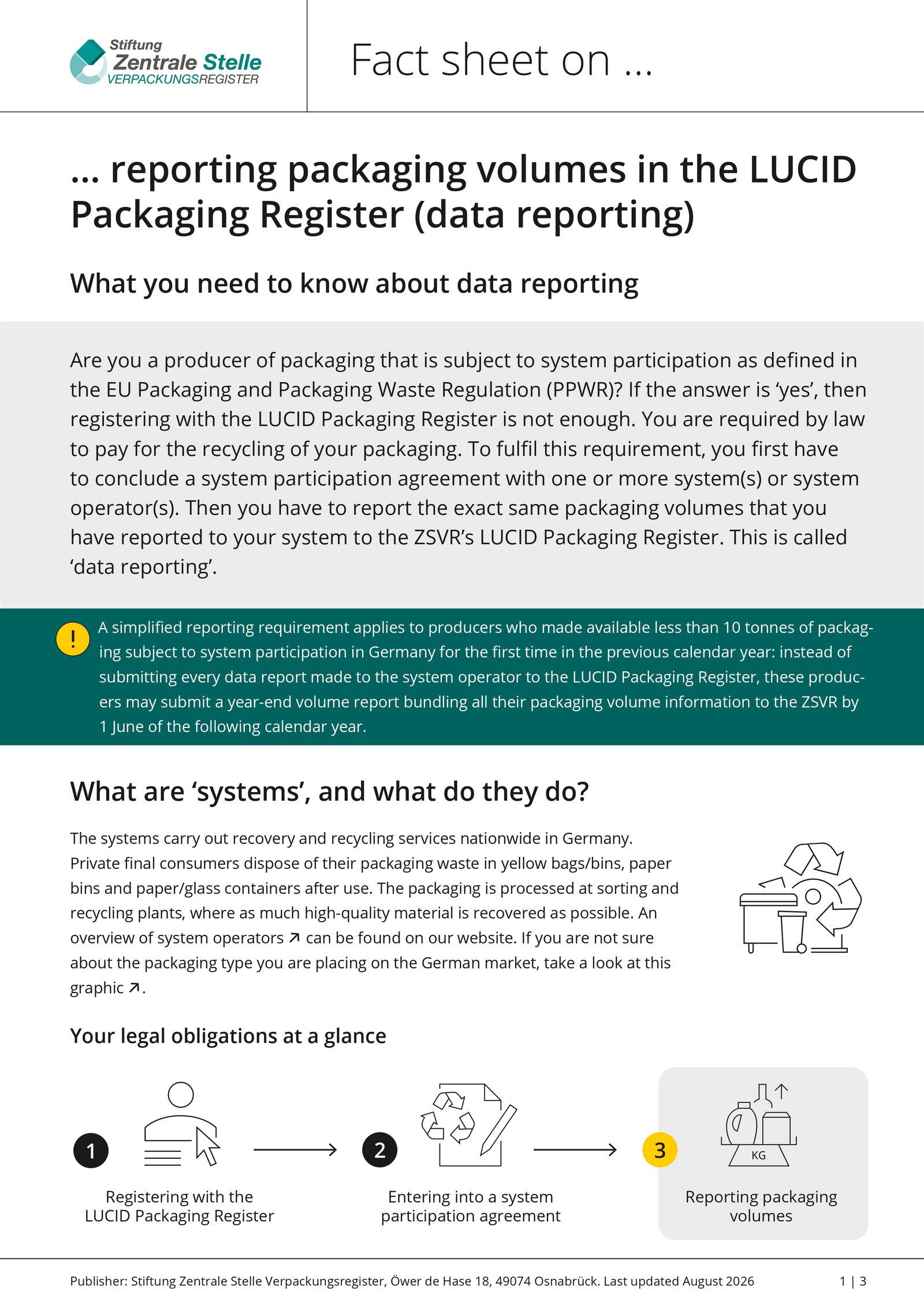
The most important concept to understand about German packaging compliance is that LUCID and your Dual System are not the same thing, but they are intimately connected.
- Dual System: A private company (like Interseroh, Der Grüne Punkt, or Lizenzero) that you pay to physically collect, sort, and recycle your packaging waste.
- LUCID Packaging Register: The government-backed database operated by the Central Agency Packaging Register (ZSVR) that tracks compliance.
- The Rule: Every time you report packaging volumes to your Dual System, you must immediately report those exact same figures to the LUCID register.
The ZSVR continuously compares the data in LUCID against the data submitted by the Dual Systems. If your numbers do not match down to the kilogram, your account will be flagged, which can lead to formal warnings or sanctions.
Types of Volume Reports
Depending on the time of year and your specific contract with your Dual System, there are a few different types of reports you will need to file in the LUCID dashboard:
- Initial Planned Volume Report: An estimate of the packaging volumes you expect to place on the German market for the upcoming calendar year.
- Intra-Year Volume Report: If your actual sales are pacing differently than your initial forecast, you can adjust your estimates during the current year.
- Year-End Volume Report: The final, definitive report of the actual packaging volumes you placed on the market in the previous calendar year. This is legally required by June 15th (though many dual systems require your data earlier so they can process it).
- Supplementary Volume Report: Used if you need to correct or increase your year-end volumes after the deadline has passed, often triggered by an internal audit.
Step-by-Step: How to Submit Your Data Report in LUCID
Submitting your data is completely free on the LUCID platform. Before you begin, ensure you have the exact kilogram weights for each material type (cardboard, plastics, glass, etc.) that you already reported to your Dual System.
- Log in: Access the LUCID Packaging Register using your credentials.
- Navigate to Data Reporting: On your main dashboard, locate the "Data reporting" tile and click "Edit".
- Select the Report Type: Choose the appropriate report (e.g., Intra-year or Year-end) and click "Start".
- Define the Period: Select the applicable reporting period (the specific months or the full calendar year) from the drop-down menus.
- Enter Your Data: Select the name of your specific Dual System operator from the drop-down list. Enter the exact weights (in kilograms) for each material fraction.
- Review and Save: Double-check that your inputs perfectly match the invoice or receipt from your Dual System. Click "Save" or "Validate" to finalize the submission.
Pro Tip: Many Dual Systems now offer an XML download feature. Instead of manually typing your material weights into LUCID, you can download an XML file directly from your Dual System portal and upload it straight into the LUCID dashboard. This eliminates the risk of manual typing errors.
Common Pitfalls to Avoid
If you are new to the German market, watch out for these frequent compliance traps:
- Forgetting secondary packaging: You must report all packaging that ends up with the private consumer. If you sell a product in a poly bag, which sits inside a branded product box, which is shipped in a corrugated cardboard mailer stuffed with paper void fill—you must calculate and report the weight of every single one of those elements.
- Relying on spreadsheets blindly: Maintaining packaging weights in disconnected spreadsheets often leads to conversion errors (grams to kilograms) or version control issues. Ensure you have a single source of truth for your master data.
- Registering but not paying: Getting a LUCID registration number is free, but it does not make you compliant until you have actively paid a Dual System to license those volumes.